Tap to Pay
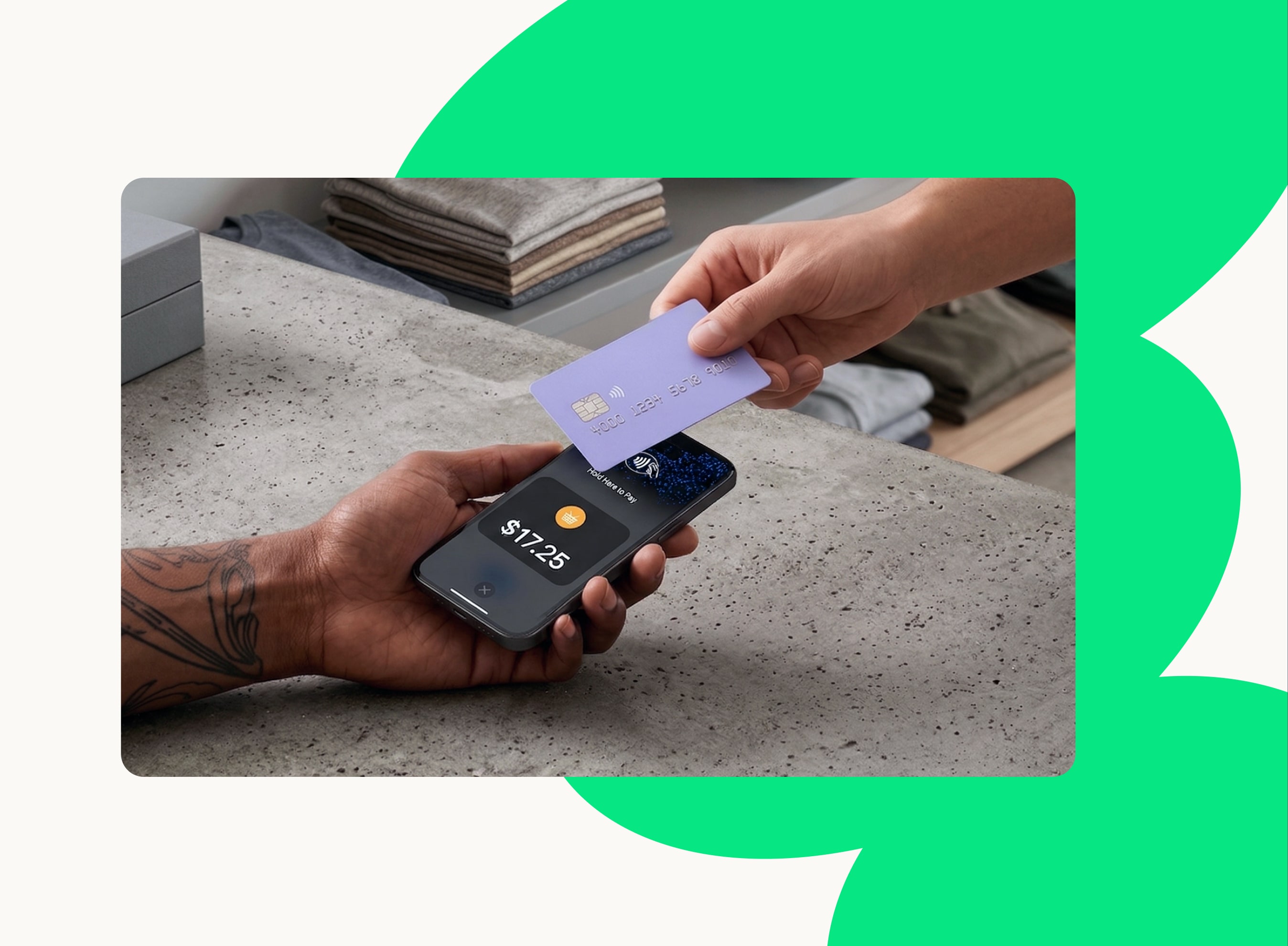
Accept in-person contactless payments on a compatible iPhone or Android phone — no card readers required!
“Sixty percent of customers said they prefer to shop with brands that have both an online and offline presence.”
The Future Shopper Report 2023
Tap to Pay simplifies
in-person payments
With Tap to Pay and the Woo Mobile App, you can accept in-person contactless payments right on your iPhone or Android phone — no extra terminals, hardware, or readers needed.
No additional hardware required: Take payments right on your compatible iPhone or Android device, with no need to buy, set up, or manage new card readers.
Secure and private: Tap to Pay on iPhone uses the built-in features of iPhone to keep your business and your customer data private and secure. When a payment is processed, card numbers aren’t stored on the device or on Apple/Android servers, so your business stays yours.
Customizable: Add your own brand and customer experience to your in-store checkout.
Flexible in-store experiences: Get more flexibility to manage in-store queues and deliver new experiences.
Start selling
in person, faster.
Accept contactless payments right on your iPhone or Android phone using the WooCommerce mobile app — no terminals, hardware, or readers needed. Currently available in the US and UK.
Get started with Tap to Pay
1
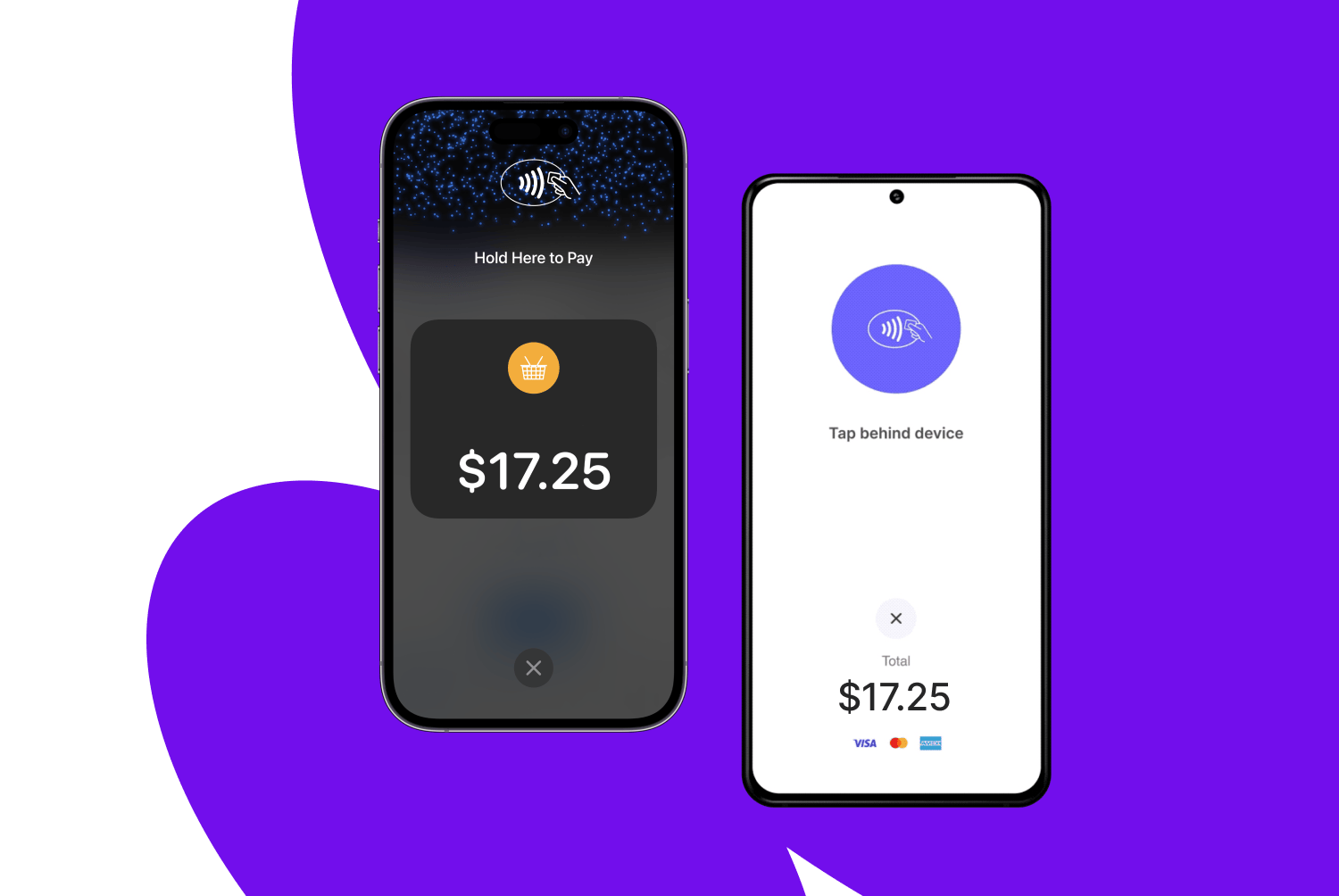
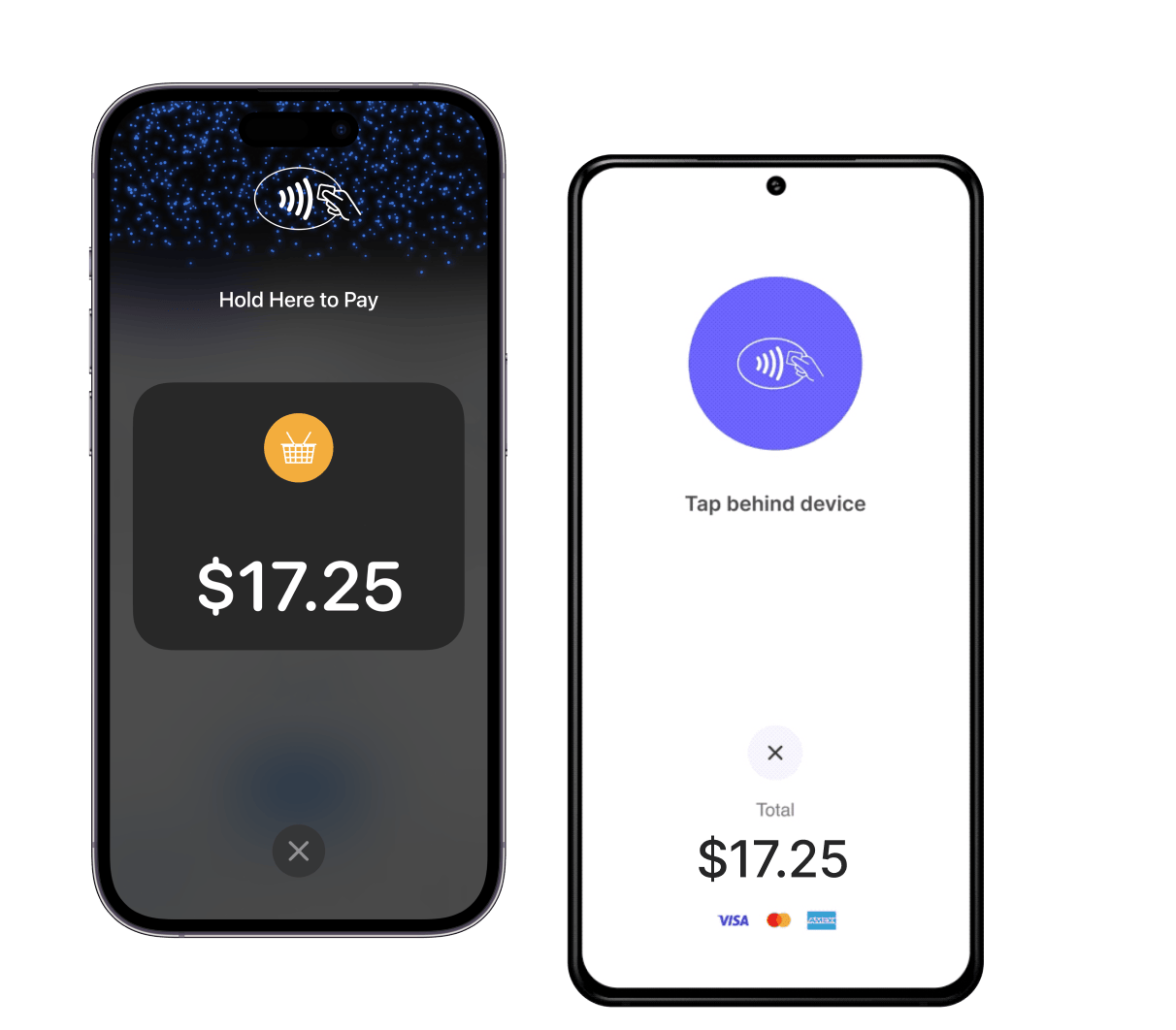
Open the Woo Mobile App on a compatible iPhone or Android phone and open Orders, then create an order.
2
Tap on Collect Payment and select Tap to Pay on iPhone or Tap to Pay on Android.
3
Present your phone to the customer and have them hold their card or device over the contactless symbol at the top of the phone.
4
When you see the “done” checkmark, the card has been read. Wait for a confirmation message in the app.
iPhone devices require iPhone XS or later running iOS 16.7 or later. Android devices require Android 11 or later, a functioning NFC antenna and chipset, an “unrooted” device that uses Google Mobile Services, and a hardware-backed keystore.
The Contactless Symbol is a trademark owned by and used with permission of EMVCo, LLC.