Slideshare is the presentation-sharing platform for anyone looking for slide inspiration, to showcase their knowledge, or to build on their own ideas. With over 25M+ presentations and 70M+ active users, Slideshare is the place where big ideas live.
Here, there'sno such thingas a blank slide.
Starting a new presentation is never easy, but with a little inspiration, you're never really starting from scratch.
Good ideas don't grow on trees. They live on Slideshare.
Facts, figures, key insights, and more. Explore 25M presentations across every topic.
It all startswith a slide.
If you're wondering how everyone else builds decks, now's your chance to find out.
Go ahead. Geek out.
Uncover something new and evolve your approach.
Off to a flying start.
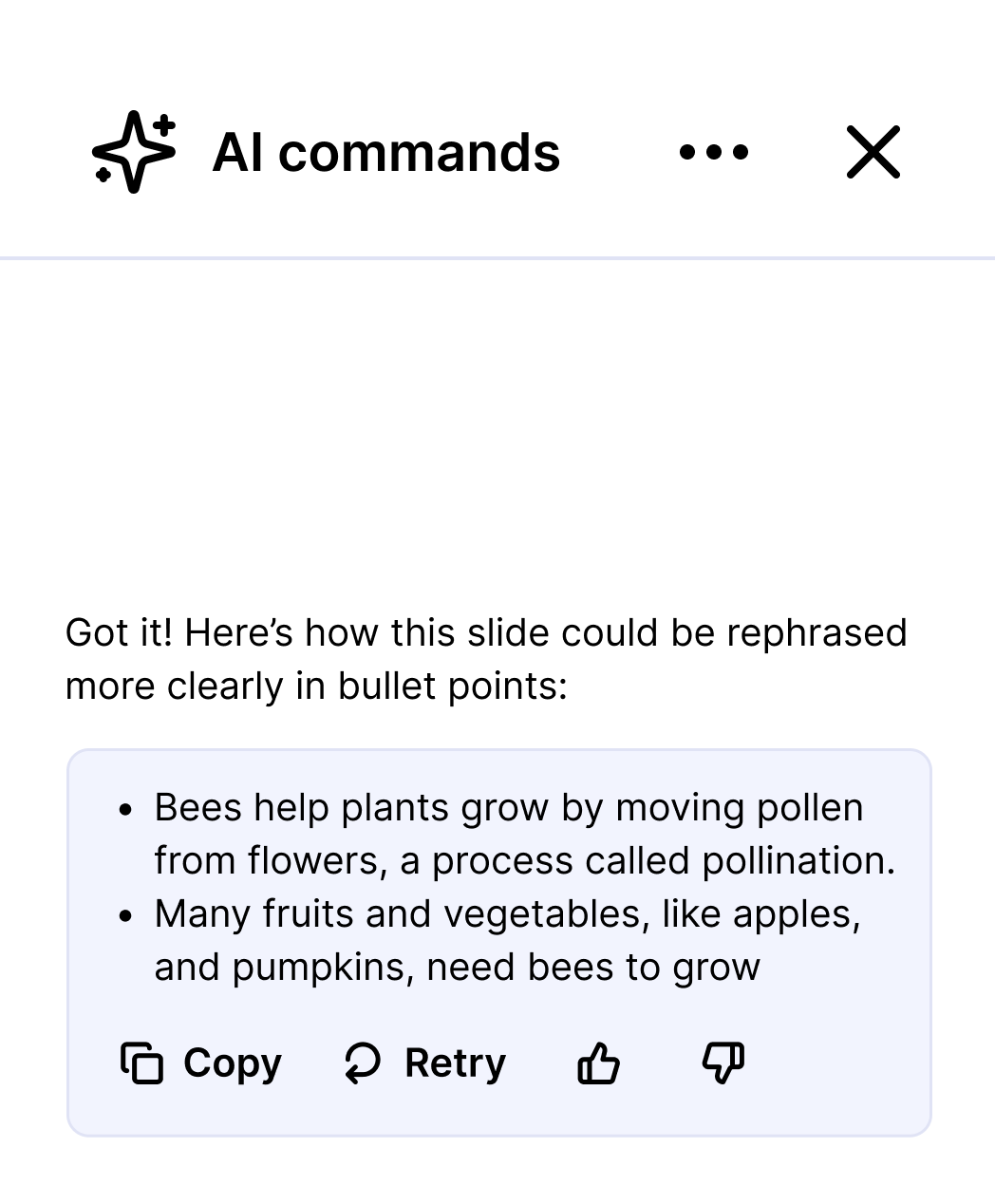
Use AI to rewrite, rephrase, or simplify existing slide content to suit your needs.
Remember that great insight on slide 64?
You don't need to. Download original files that work with your presentation apps.
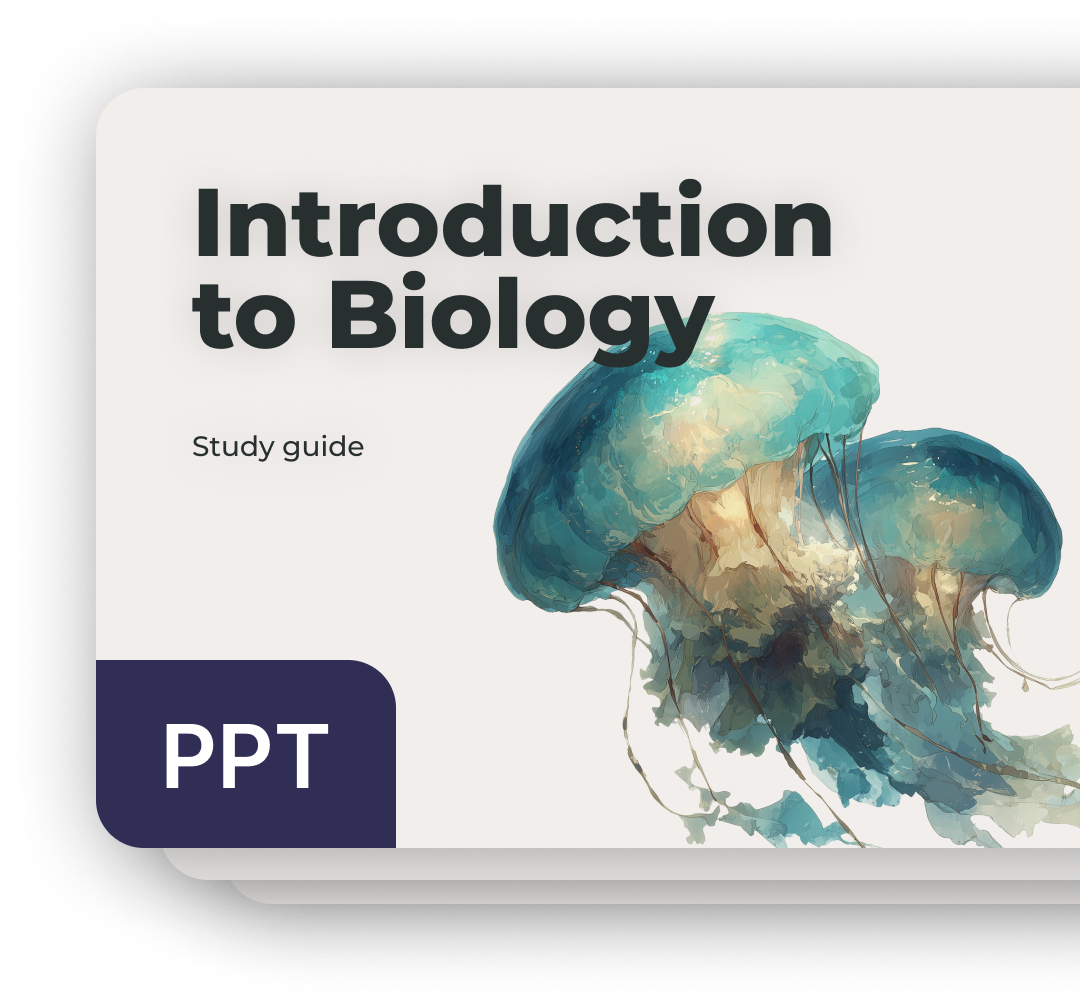
All the resources, references, and inspiration to help you on your way.
Get the very best of Slideshare with a free 30-day trial.Free 30-day trial
- Download complete presentations in their original file format
- Use AI to rewrite, rephrase, or simplify existing slide content
- Copy & paste to extract key insights
- Enjoy an ad-free experience across all devices
Free for 30 days
then $9.99/monthCancel anytime.Ad-supported
- 25M+ presentations and documents on any topic
- Get personalized recommendations for deeper discovery
- Upload and share knowledge with a global community of 70M users
Access at no cost
with on-page adsAdditional features available only with trial or subscription.Also included with trial
250M+ documents, available to read and download. Specialized knowledge on any topic, and answers you won't find anywhere else.
Your big ideas deserve an audience.
Upload a presentation and share your know-how with the world.
Choose your file and add it here.
Upload from another service:
Frequently asked questions
What is Slideshare?
Why does Slideshare look different?
Slideshare is stepping into a bold new chapter with a refreshed identity. While the core of what you love remains the same — access to over 25 million decks, powerful AI tools, and a global network of 70+ million curious minds — Slideshare now carries a cleaner, sharper look. This rebrand emphasizes our renewed mission: helping people transform their ideas into opportunities. With this fresh energy, Slideshare continues to be the trusted home for expert insights and standout presentations. This update is just the beginning, designed to better serve creators and thinkers like you.
Do I need a subscription to access Slideshare?
No subscription is required to access Slideshare — you can still browse, read, and upload content. However, a subscription gives you additional benefits such as the ability to download presentations and enjoy an ad-free browsing experience.
What is included in a Slideshare subscription?
A paid subscription includes the following exclusive benefits:
- Download presentations
- Copy and paste text directly from presentations
- Enjoy an ad-free experience
- Complimentary access to millions of documents on Scribd
How do I cancel my subscription?
You can cancel your subscription anytime by visiting your account settings. If you cancel, you'll continue to have access to your subscription benefits until the remaining time expires.
For more FAQs and Help, visit our Help Center.