CREATOR AI
Build a form like a pro
Our AI can automate questions, designs, and edits so you can create forms that connect with your audience faster:
- AI Form Builder
- AI Form Import
- AI Brand Kit
- AI Form Translation
- AI Content Optimizer
TYPEFORM AI
Getting to know people with forms, quizzes, and surveys is easy with a helping hand from Typeform AI. It speeds up form creation and data analysis, so you’re free to act on insights instead.
CREATOR AI
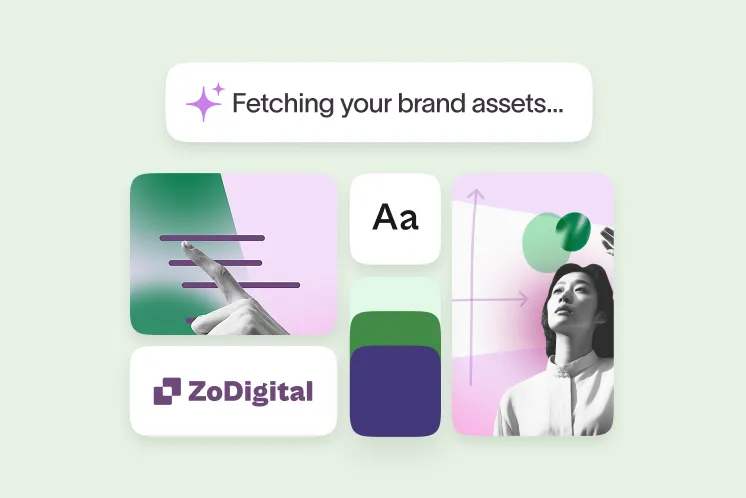
Describe the form you need, then watch Creator AI build and brand it. You can edit anything, too.
INTERACTION AI
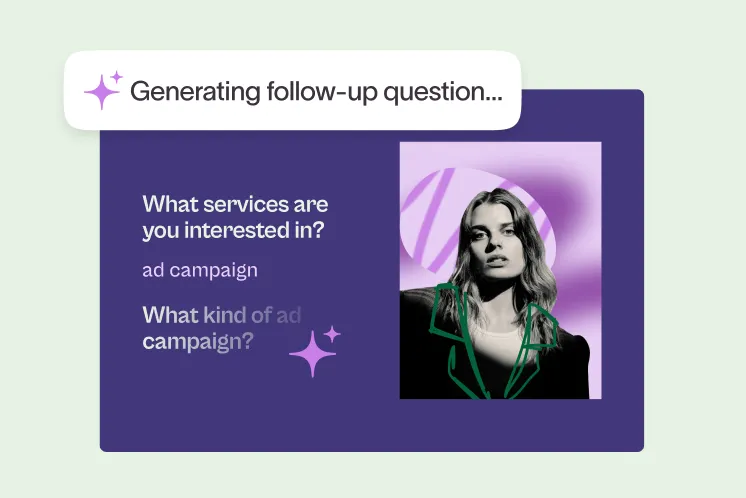
No two form takers are the same. Interaction AI asks relevant follow-up questions, so they share more.
INSIGHTS AI
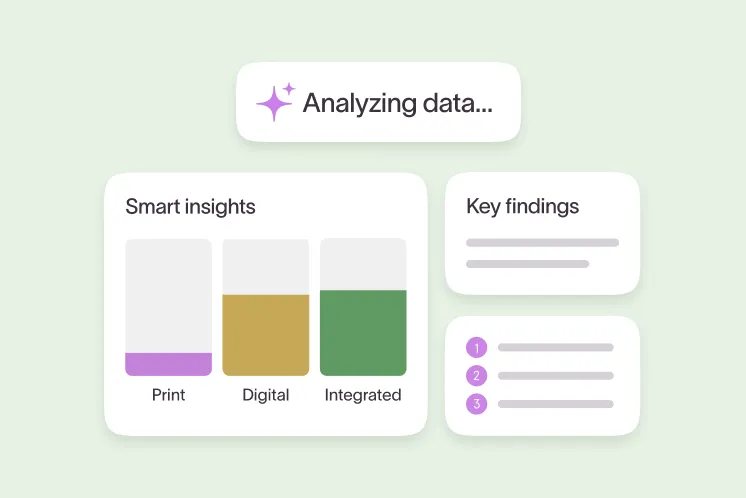
Understand what the data is telling you faster by chatting with Insights AI about it.
CREATOR AI
Our AI can automate questions, designs, and edits so you can create forms that connect with your audience faster:
INTERACTION AI
Once your form is live, hand over the microphone to Typeform AI. It asks unique, interview-style follow-up questions automatically, so you can learn more:
INSIGHTS AI
The data is in. Now analyze it fast with Typeform AI. It can summarize findings, generate charts, and uncover key themes from open-ended responses:

See what our AI features can do for your forms, whether you’re new around here or looking to optimize the way you’ve been working.
Aleks Bass
Chief Product Officer at Typeform
Typeform AI is an AI prompt-based builder that helps you build, personalize, and analyze forms, surveys, and quizzes across the platform. With the AI Form Builder, you describe the form you need and it automatically generates questions, designs, and a branded layout in seconds that you can fully edit.
Creator AI goes beyond generating questions: it can import existing forms (for example from Google Forms), translate forms into 25+ languages, and optimize wording through AI Content Optimizer. This makes it easier to launch on‑brand, multi‑language forms without manual rework.
Interaction AI powers “Clarify with AI,” which automatically asks interview‑style follow‑up questions when people give vague open‑ended responses. That way, your AI‑enhanced forms collect richer, clearer data without you having to design every possible follow‑up in advance.
Insights AI lets you “Ask AI” about your results and get instant qualitative and quantitative analysis. It summarizes key findings, uncovers themes and sentiment in open‑ended answers, and generates charts and highlights from closed‑ended data so you can move from responses to decisions faster.
Typeform AI uses large language models from Anthropic, OpenAI, and AWS, but none of your data is used to train these models. For qualitative analysis, Typeform uses a private Anthropic instance; for some features, anonymized form content is shared with providers without respondent personal data, and no data is stored by them.
No. None of your data is used to train any models, regardless of the feature or provider. Any data sent to model providers is anonymized and limited to what is needed to power the AI feature you’re using.
AI is built into multiple stages: form creation (building, importing, translating, branding, and optimizing questions), interaction (clarifying open‑ended responses), and analysis (summarizing themes, suggesting charts, and answering questions about your data). This means AI can save you time across your entire workflow, not just at setup.
Some AI‑powered capabilities, like qualitative Smart Insights, can be disabled in Admin settings, and respondent data is protected and not used for model training. This allows stricter teams to tailor how and where AI is applied within their account.

AI helps you do what all new innovation promises to do—get your work done faster and easier, freeing up time for the plethora of tasks marketers face on a daily basis. Here are 6 ways AI can help you build better performing marketing forms.
Learn more
Don’t miss a beat. We’ll keep you in the know as we launch product releases and implement feature updates.