Powering the World’s Best Teams
Join 5m+ users who rely on Zight to increase their productivity
See Request Links in Action
One Request. Multiple Ways to Respond.
Video Recordings
Capture a screen recording directly from the browser to show exactly what’s happening.
Learn about Request VideoData Logs
Automatically collect browser, system, and network details alongside a video when troubleshooting is needed.
Learn about Data LogsFile Uploads
Collect documents, exports, or log files in one organized submission so your team can review and follow up.
Learn about Request FilesImage Uploads
Collect screenshots or visual proof to clearly understand the issue or update.
Learn about Request ImagesA Better Way to Collect Context
Collect videos, data logs, files, and screenshots through one structured request instead of chasing attachments across email and Slack.
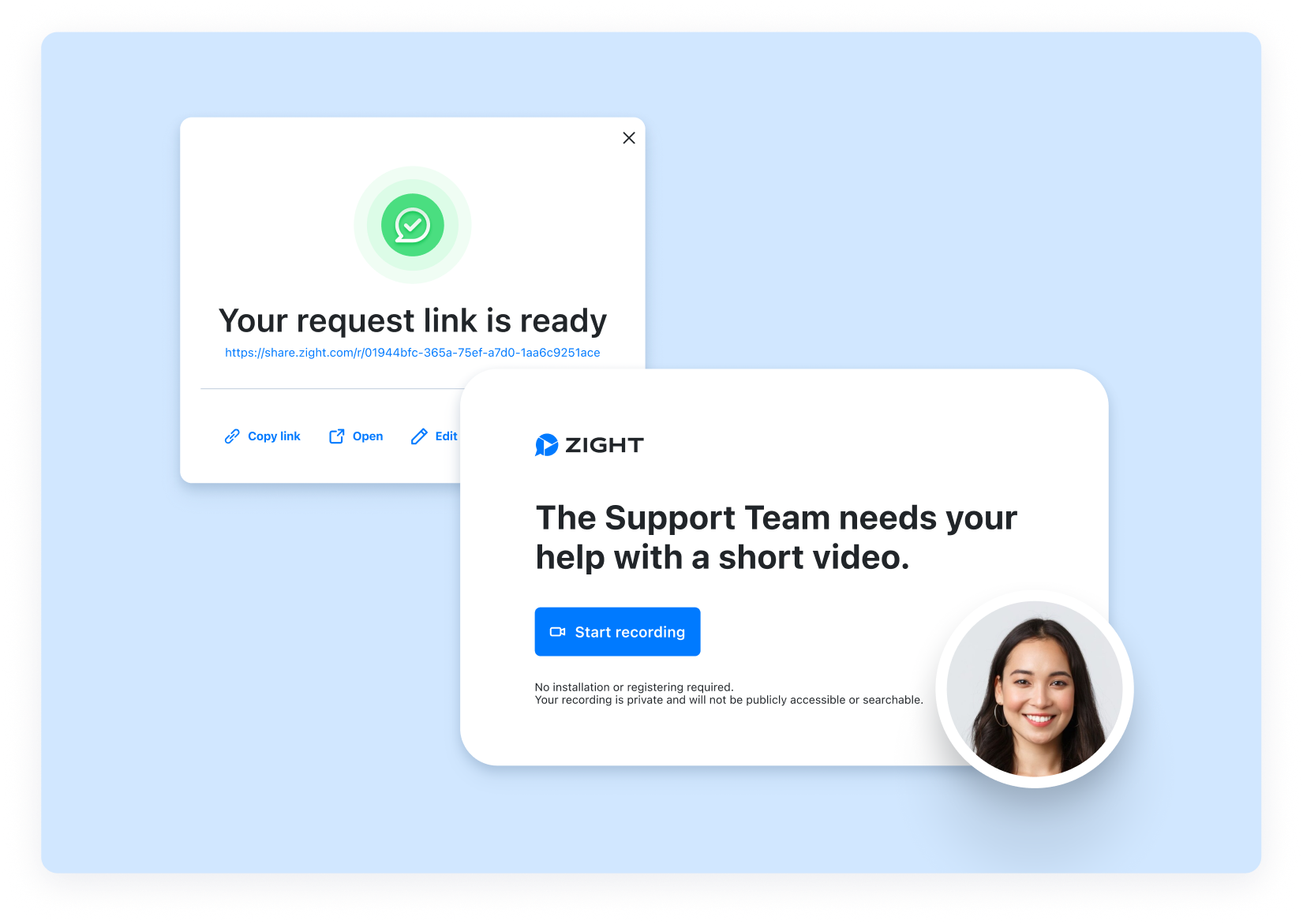
Request Video
Send a link and let anyone record their screen, camera, or both directly from the browser.
Use Request Video to:
• Reproduce hard-to-catch bugs
• Collect async updates
• Capture onboarding walkthroughs
• Escalate issues with full visual context
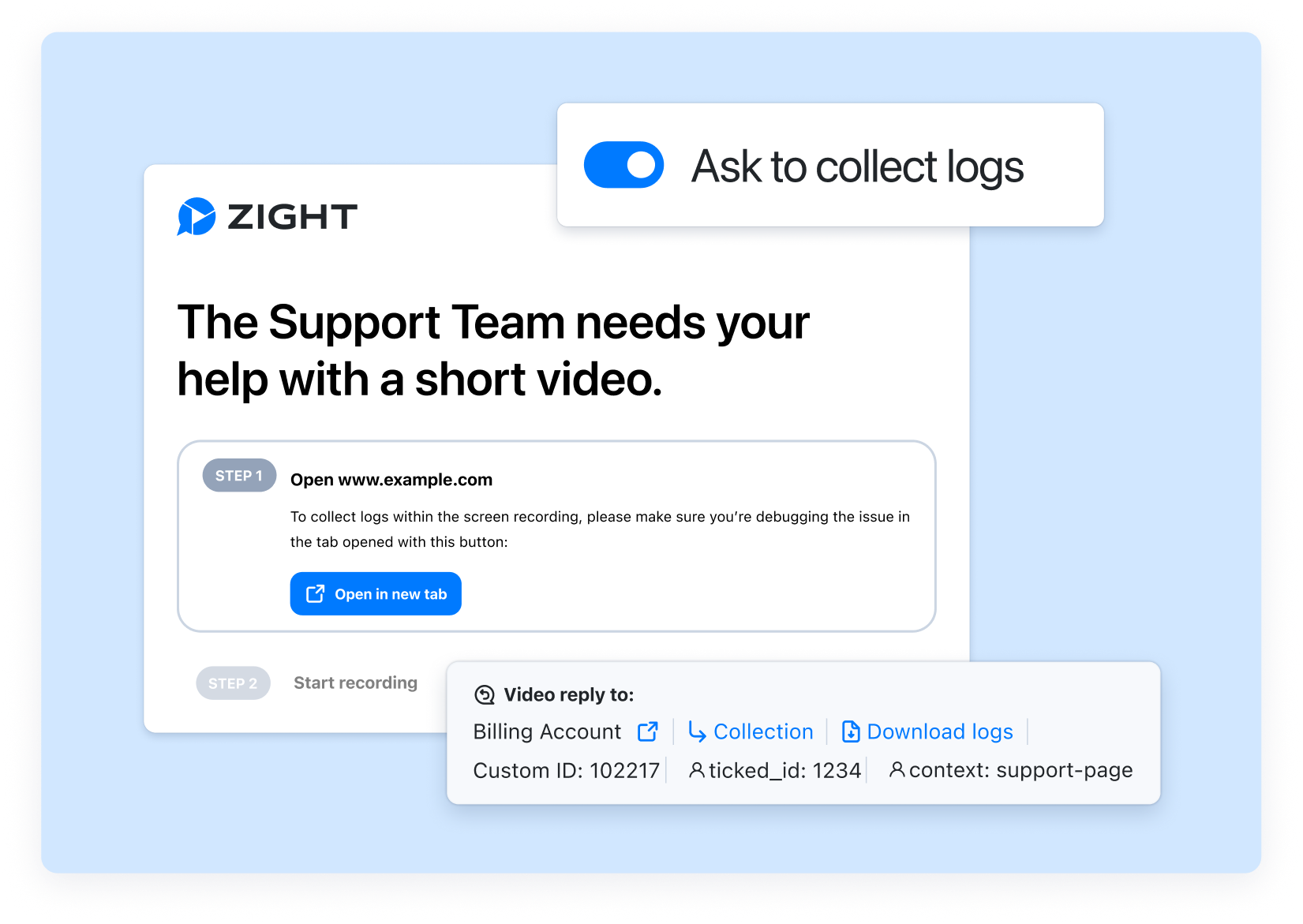
Request Video with Data Logs
Enable Data Logs to automatically collect browser details, operating system information, screen resolution, console logs, and network logs alongside the video.
Use Request Video with Data Logs to:
• Capture environment details without follow-up questions
• Diagnose complex or intermittent bugs
• Reduce reproduction attempts for engineering
• Escalate technical issues with full context
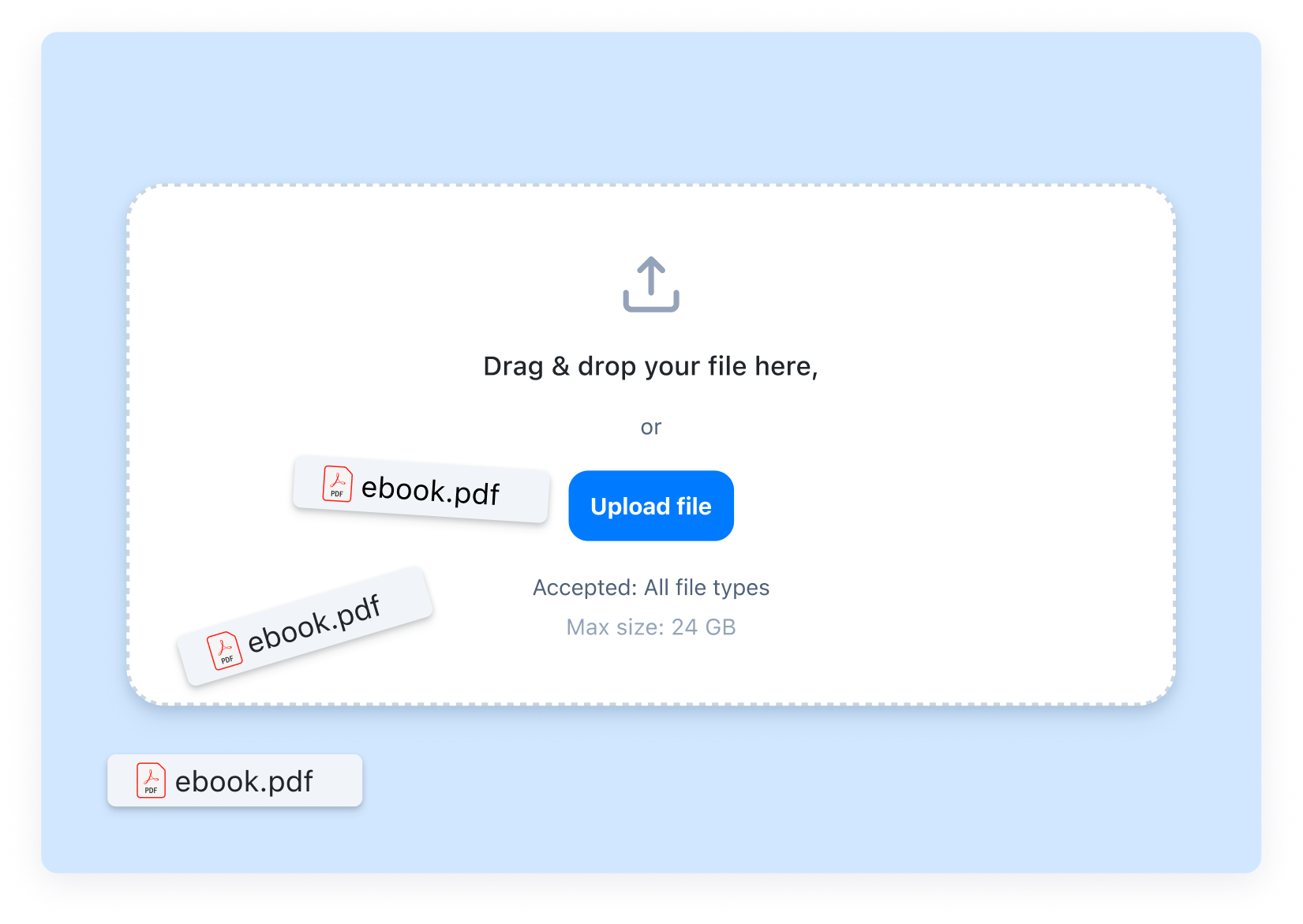
Request Files
Send a dedicated link to gather documents, exports, and log files without chasing attachments across inboxes and threads.
Use Request Files to:
• Gather invoices and receipts
• Request configuration exports
• Collect signed agreements
• Receive diagnostic files
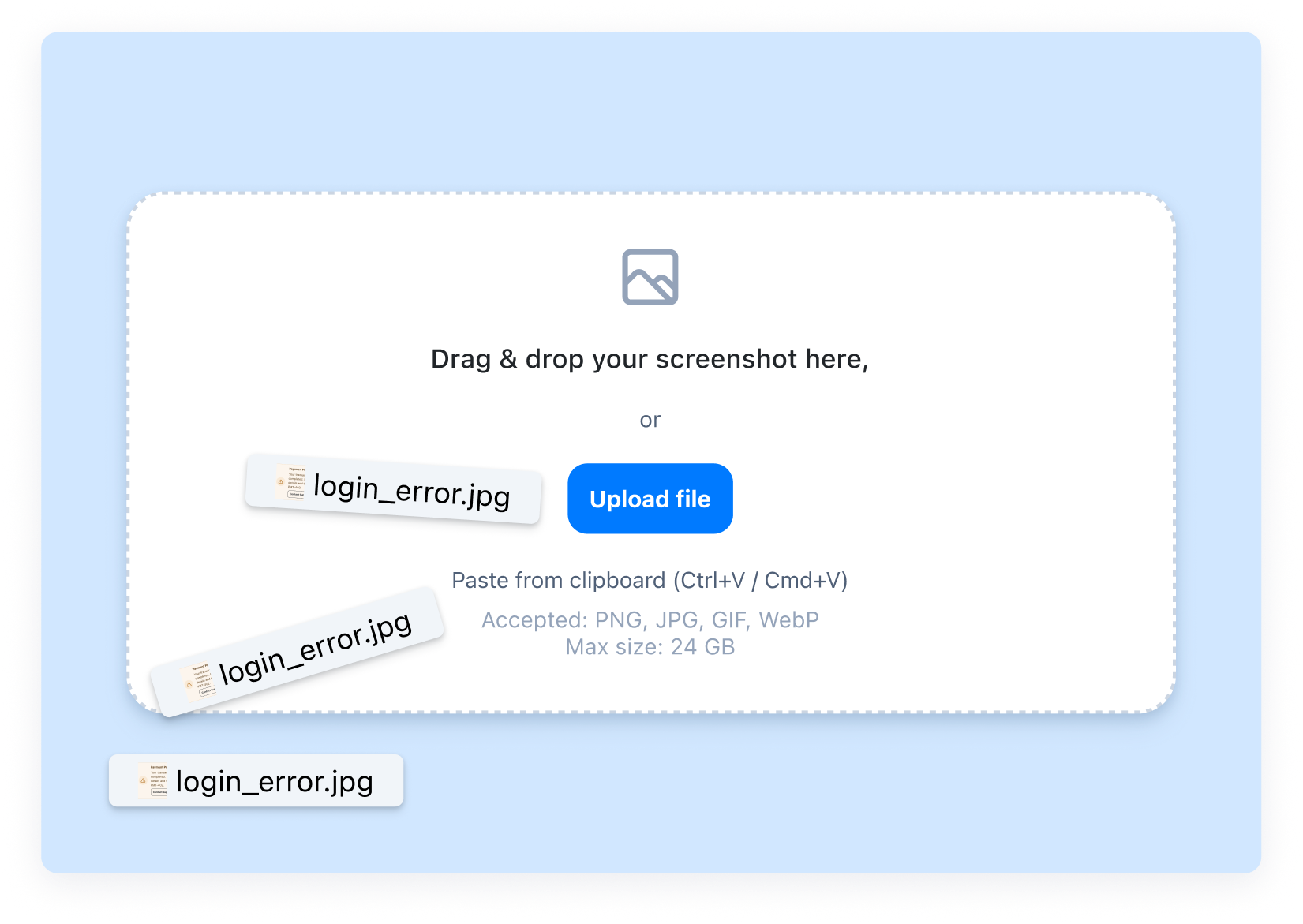
Request Image
Ask recipients to upload a screenshot of an error, UI issue, or confirmation screen directly through a Request Link.
Use Request Image to:
• Capture error messages
• Validate setup steps
• Gather UI feedback
• Collect customer photos for testimonials
Built for Real Workflows
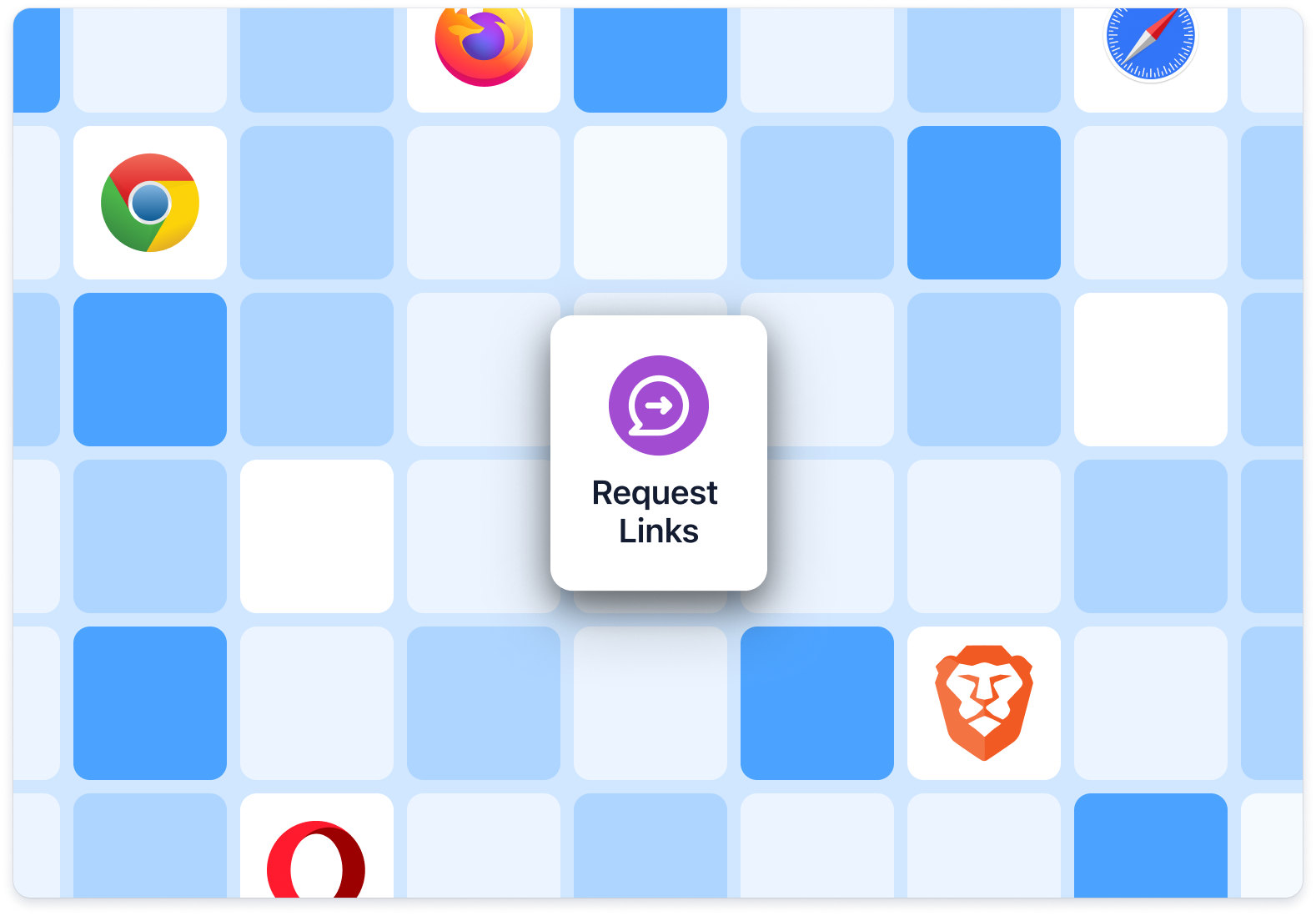
Request Links can be created from the web app, Chrome extension, or Mac desktop app. Recipients can respond from Safari, Chrome, Firefox, Brave, or Opera on desktop or mobile.
Built for real workflows:
• Create requests from web, extension, or desktop
• Respond from major desktop and mobile browsers
• No downloads required
• No accounts required

Collect What You Need in One Request
Create a Request LinkFrequently Asked Questions
Request Links let you collect videos, data logs, files, or screenshots through a single structured request. Instead of asking for attachments over email or Slack, you send one link and receive exactly what you need.
No. Anyone can respond to a Request Link directly from their browser without creating an account or installing software.
You can collect video recordings, optional Data Logs, file uploads, and image uploads. Choose the format that fits your workflow.
Yes. You can edit the title and message to explain exactly what you’re asking for and include any relevant instructions.
No. Data Logs are optional and can be enabled when deeper technical context is needed.
Recipients can respond from Safari, Chrome, Firefox, Brave, or Opera on desktop or mobile.
All responses are securely stored in your Zight workspace under the original Request Link for easy review and follow-up.
Yes. You can keep a Request Link active and reuse it whenever you need to collect similar responses.











